Enroll in OneUptime on-call SMS alerts
For Pagoda Technology employees and contractors with a OneUptime account. Step 1 of 2.
Before you add your mobile number in OneUptime, read and agree to the following. Enrollment is for your own number only.
Step 2: verify your number in OneUptime
- Sign in to uptime.pagodatechnology.com with your work account.
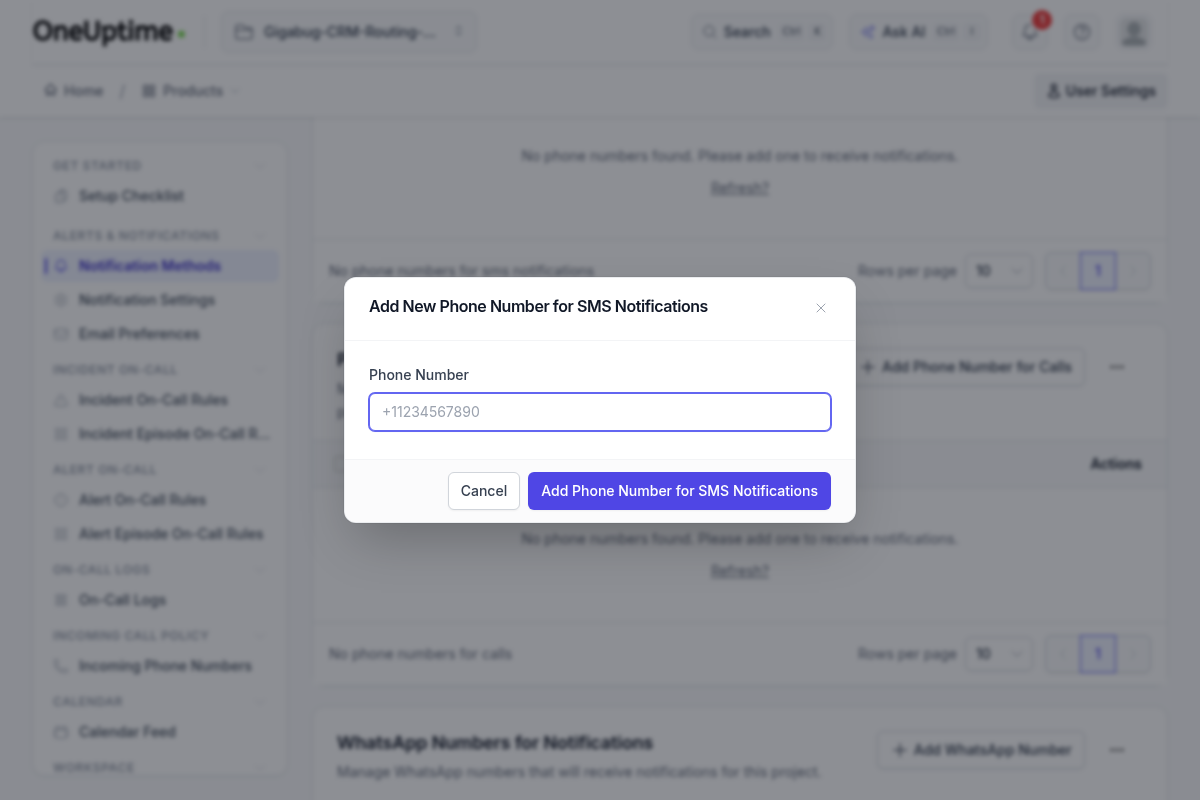
- Open User Settings → Notification Methods and choose Add Phone Number for SMS Notifications.
- Enter your own mobile number. OneUptime texts you a one-time verification code; the number is enabled only after you enter it.
- Pick which alerts reach you by SMS in your on-call notification rules. Remove the number or turn SMS off there at any time.
Questions: kevin@pagodatechnology.com. Program terms: ops.pagodatechnology.com/sms-terms.